

Resume templates
Choose a resume layout without changing your source
HireReset currently ships 30 typeset PDF layouts. Each one uses the same resume content, so you can change presentation without rebuilding the document.
Contact Information
Link icons are detected automatically. Use Website for GitLab, Codeberg, Bitbucket, a portfolio, or another profile.
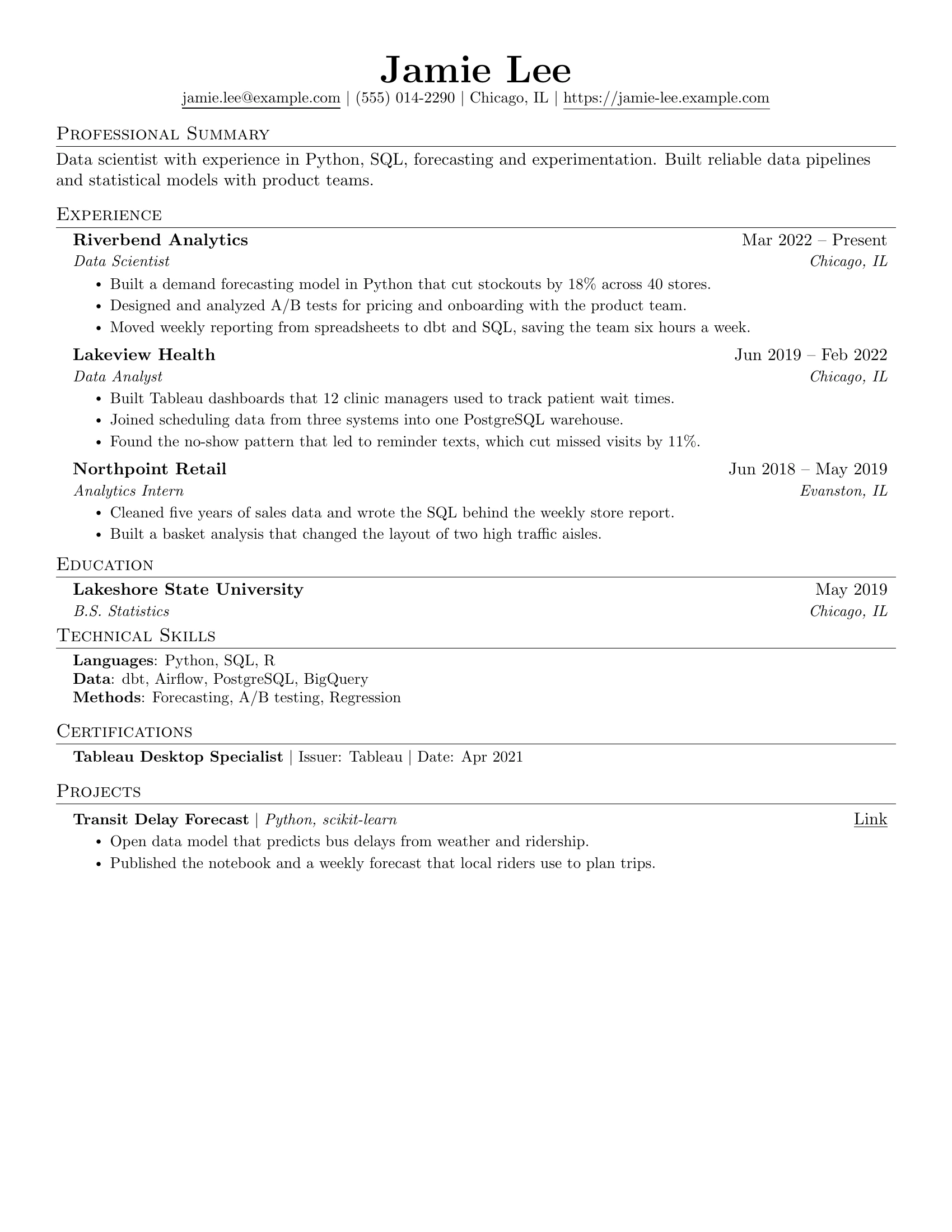
All layouts
30 shipped templates
Real renders of each layout with placeholder text, not a real candidate.
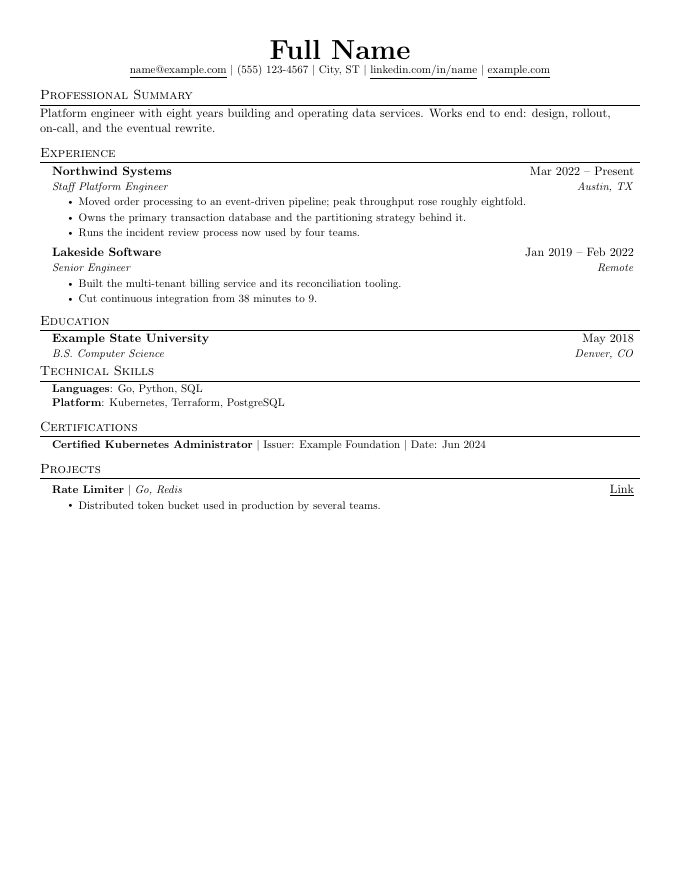
Classic
The original single-column layout with black section rules and Computer Modern type.
Use Classic in the builder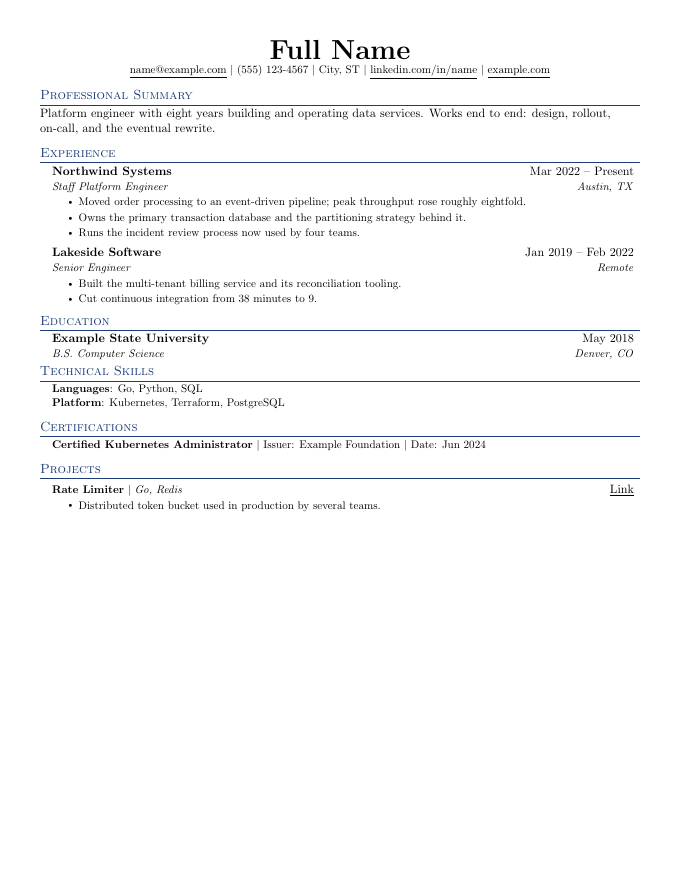
Modern
The same single-column structure with a deep-blue accent on section headings.
Use Modern in the builder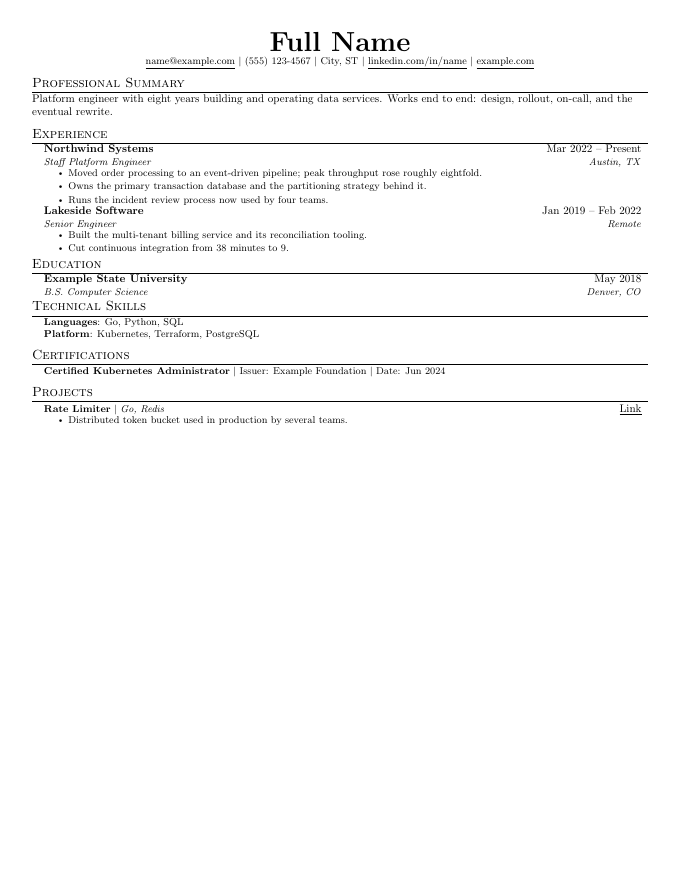
Compact
Tighter 10pt type and a wider text block fit roughly 15% more content on one page.
Use Compact in the builder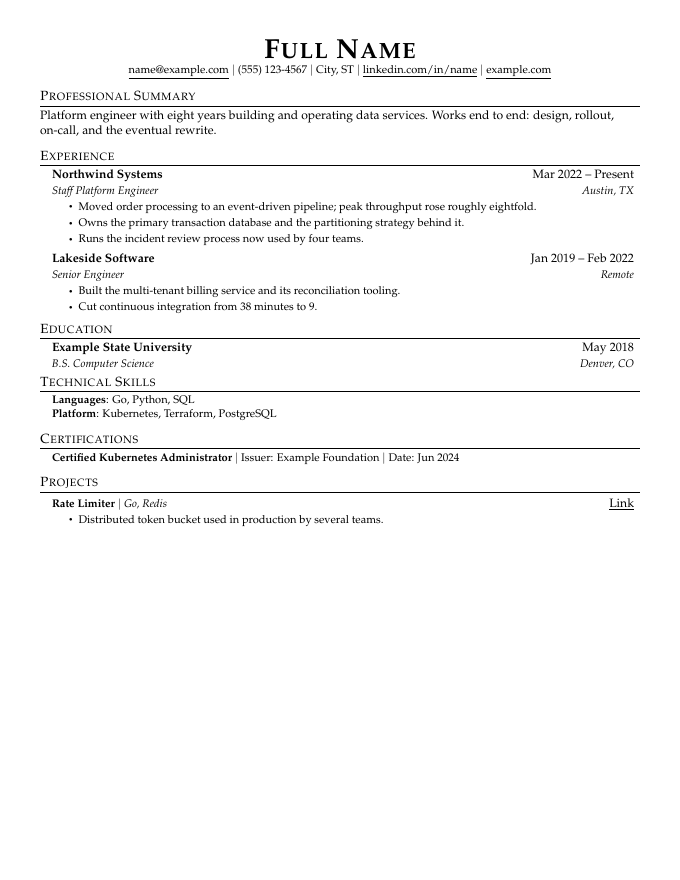
Executive
Palatino serif with slightly relaxed line spacing. Traditional feel for senior and leadership roles.
Use Executive in the builder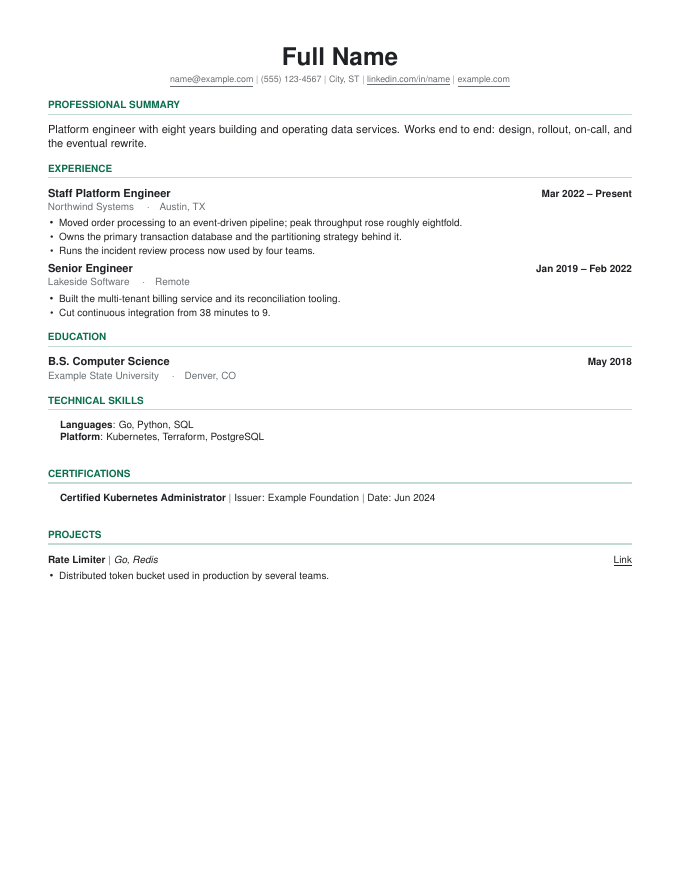
Hairline
Sans-serif single column with uppercase accent headings and hairline rules. Deliberately plain-text friendly.
Use Hairline in the builder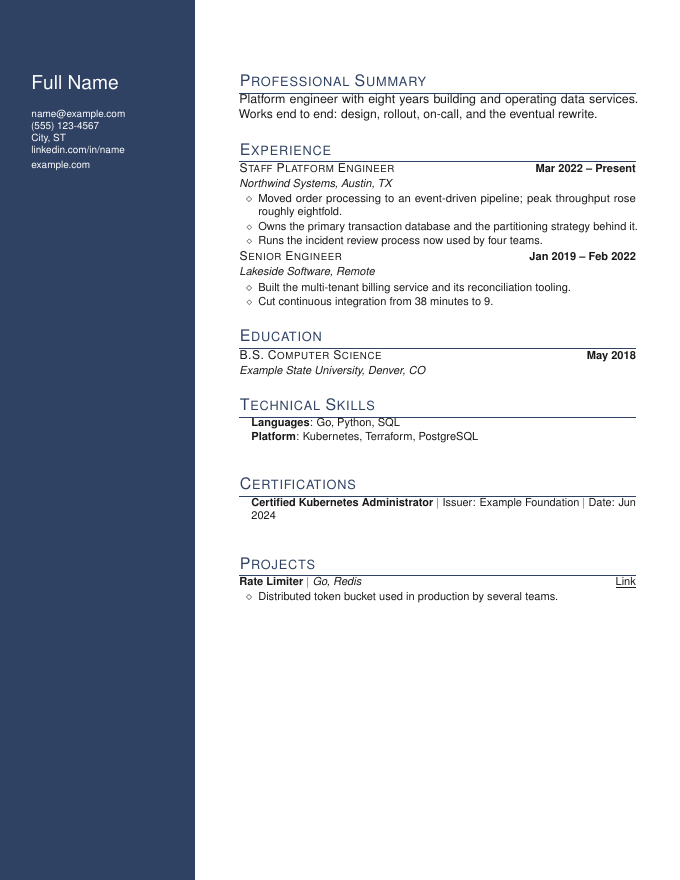
Rail
Deep navy rail down the left edge carrying your name and contact details, with small-caps section headings in the main column.
Use Rail in the builder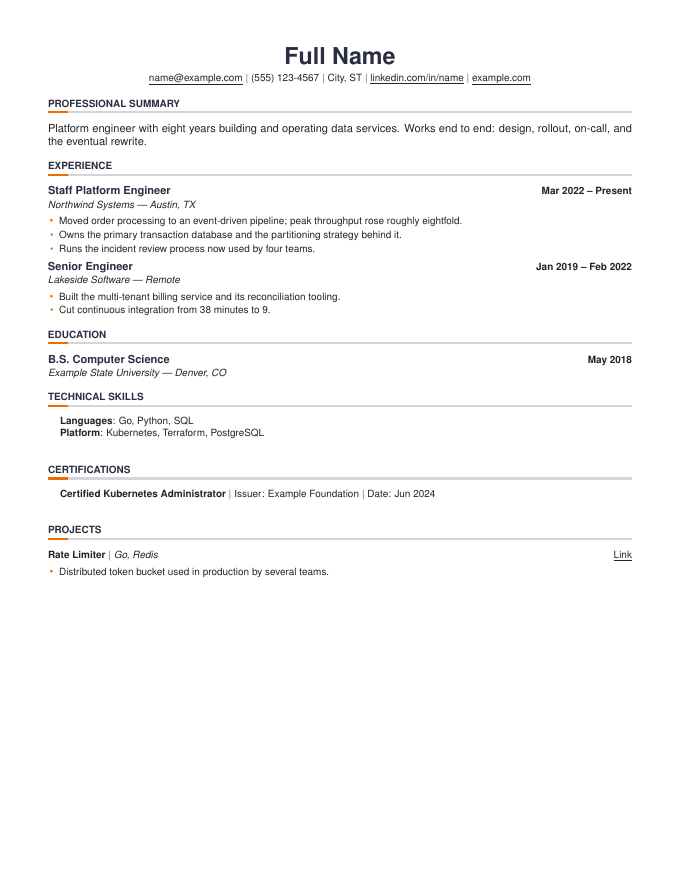
Signal
Graphite headings led by a short orange rule, with tight sans-serif type. Assertive without being loud.
Use Signal in the builder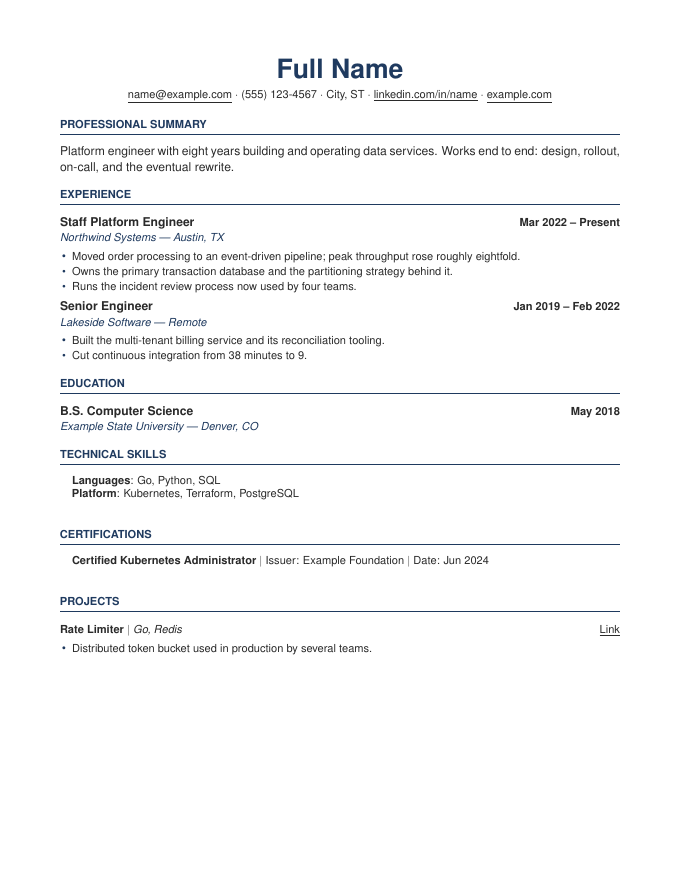
Ledger
Conservative navy headings over full-width rules, at a slightly larger reading size. Built to look unremarkable in the best way.
Use Ledger in the builder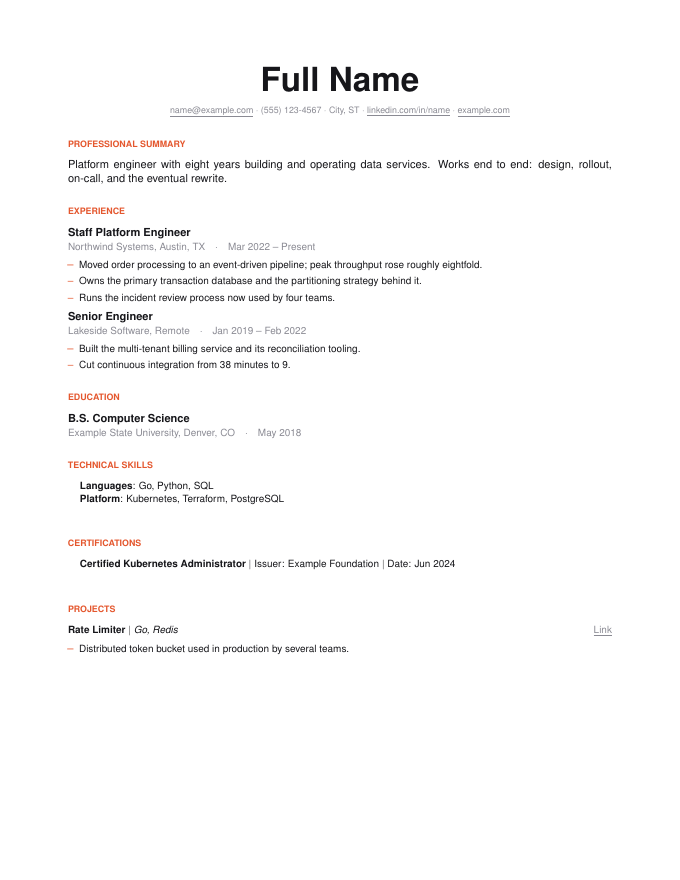
Editorial
Oversized name, generous margins, and rule-free headings that separate by space and colour. Reads like a magazine opener.
Use Editorial in the builder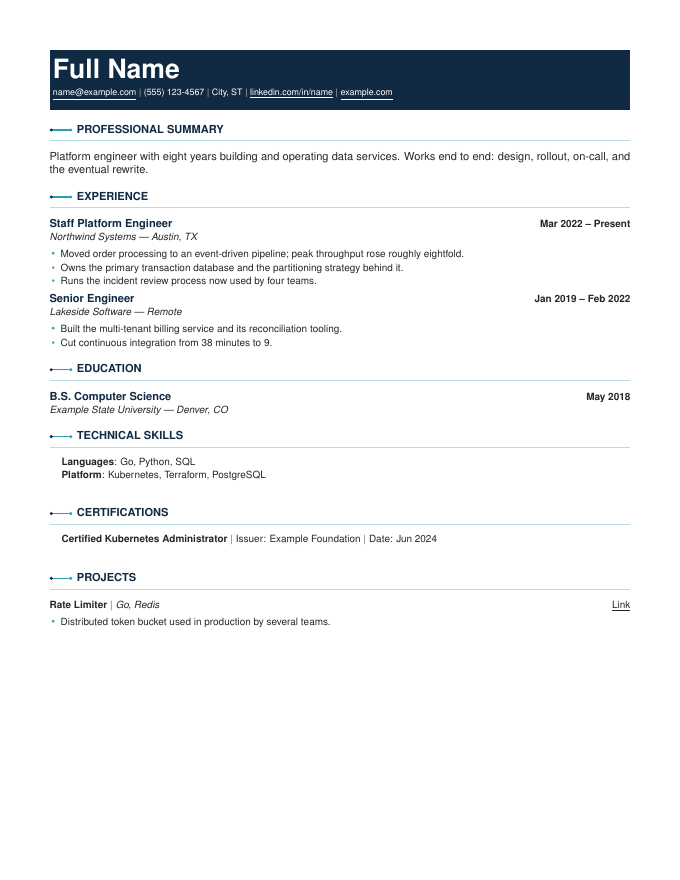
Node
Full-width navy header band, with section headings introduced by a small linked-node mark over a teal hairline.
Use Node in the builder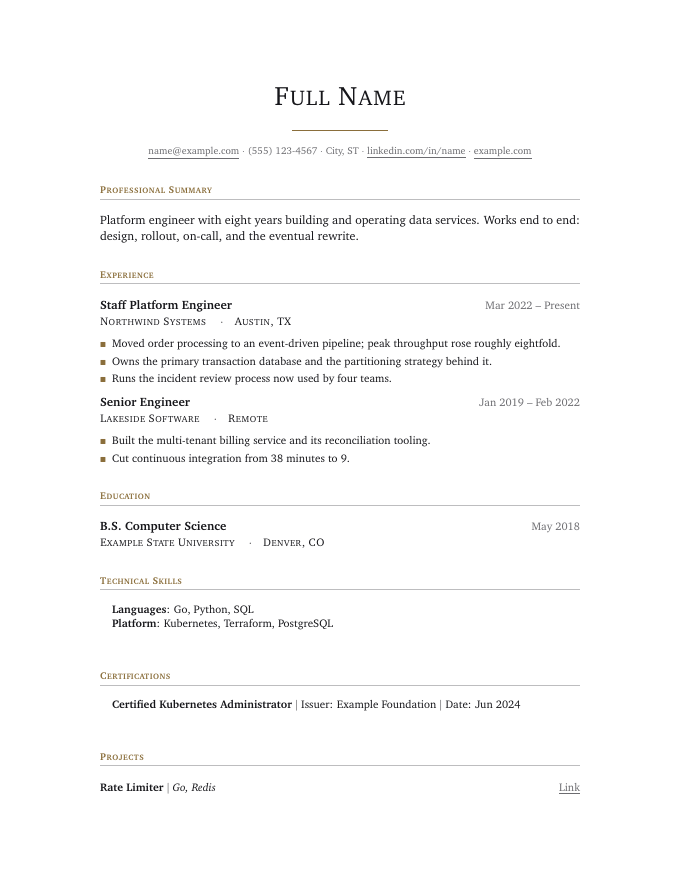
Quill
Charter serif with wide margins, small-caps headings, and a brass accent. Deliberately understated for senior roles.
Use Quill in the builder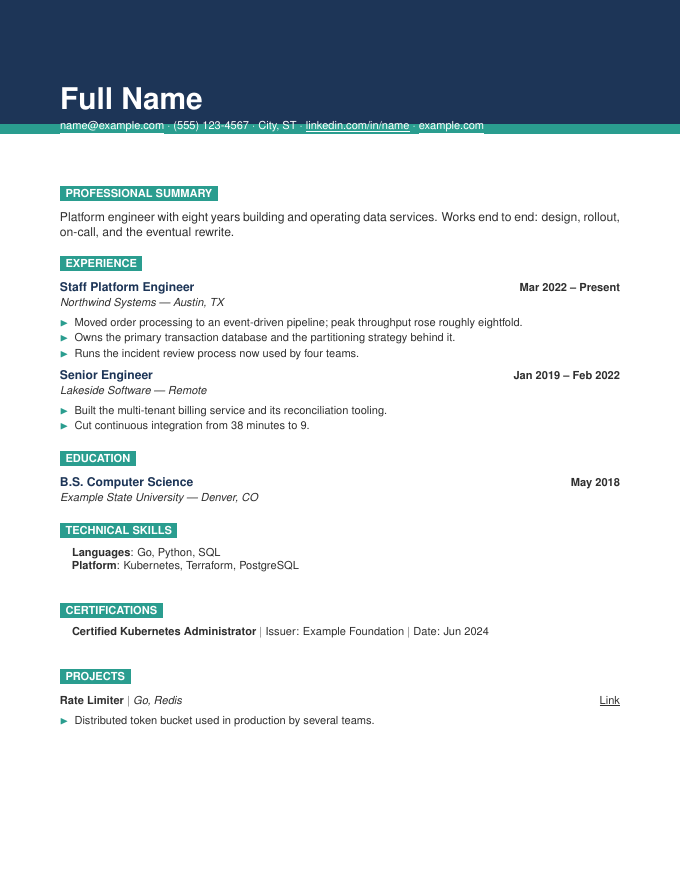
Banner
Full-bleed navy banner across the top with a teal edge, and section headings set in rounded accent chips.
Use Banner in the builder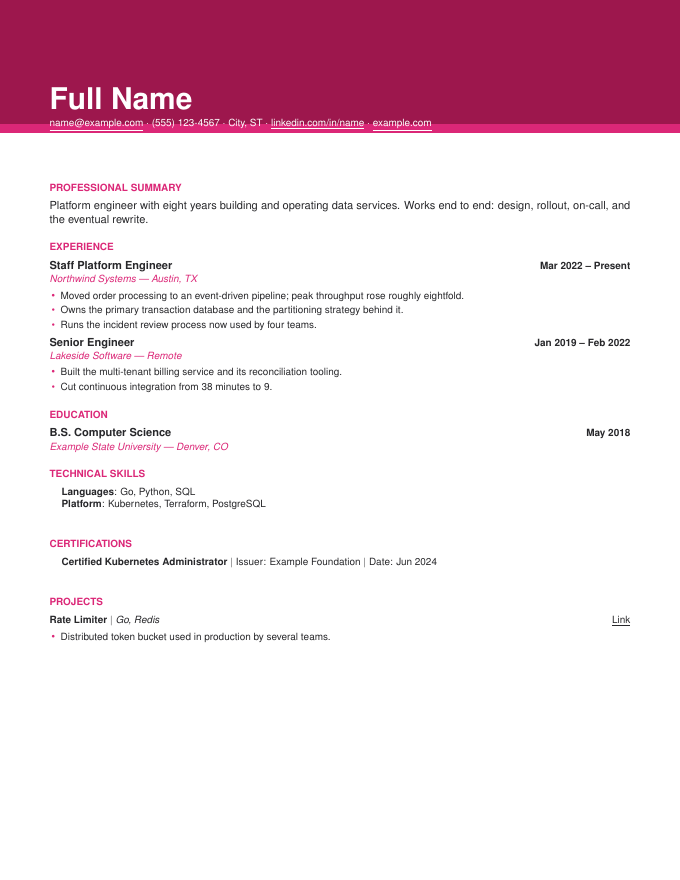
Duotone
Deep magenta banner with a brighter pink edge, carried through to headings and bullets. The boldest of the set.
Use Duotone in the builder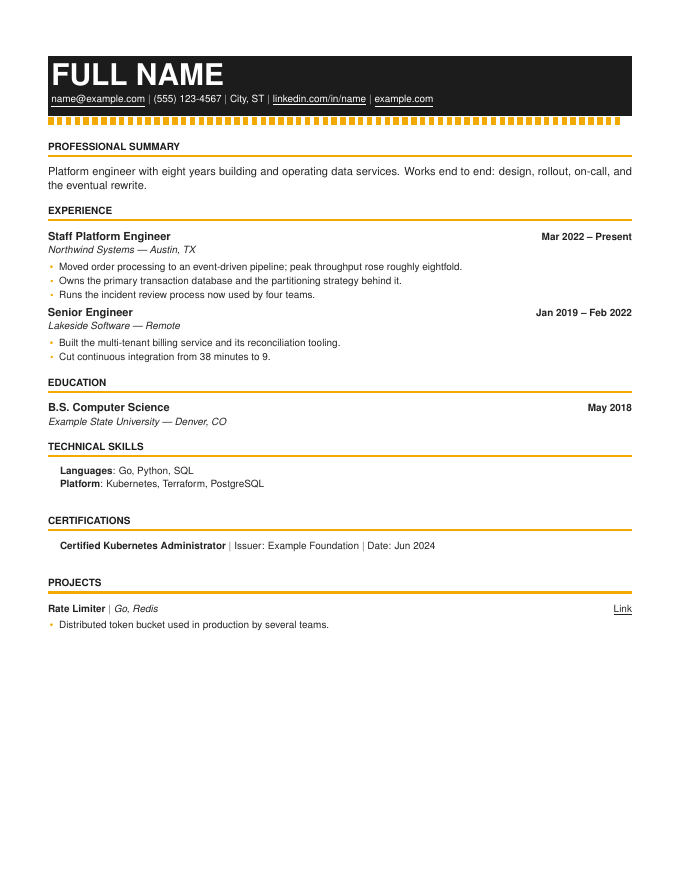
Stripe
Black header block under a tiled amber hazard stripe, with heavy rules beneath each heading. Built for trades and field work.
Use Stripe in the builder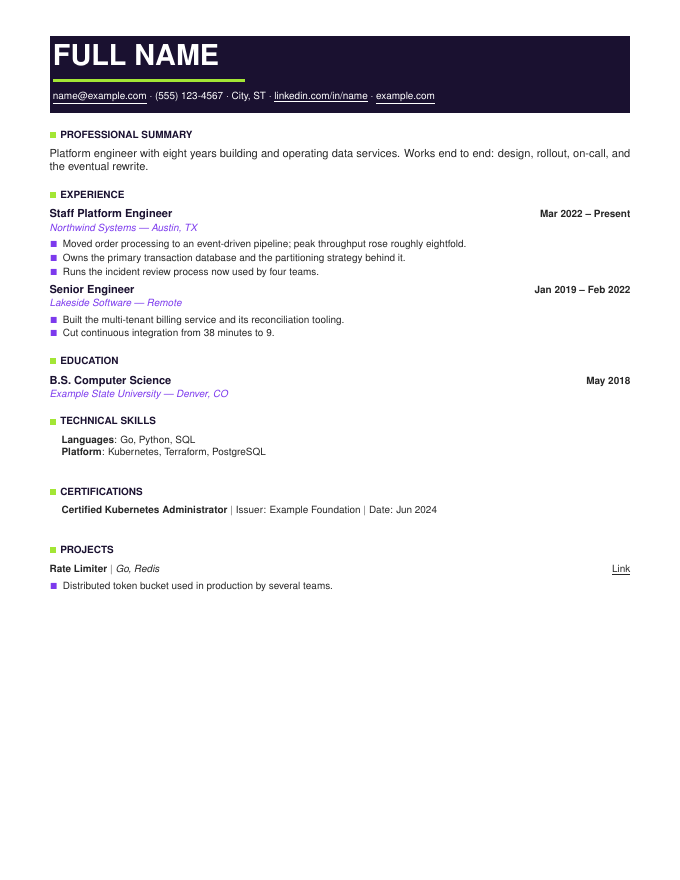
Pixel
Near-black header block cut by a neon rule, with solid square markers leading each heading and violet entry lines.
Use Pixel in the builder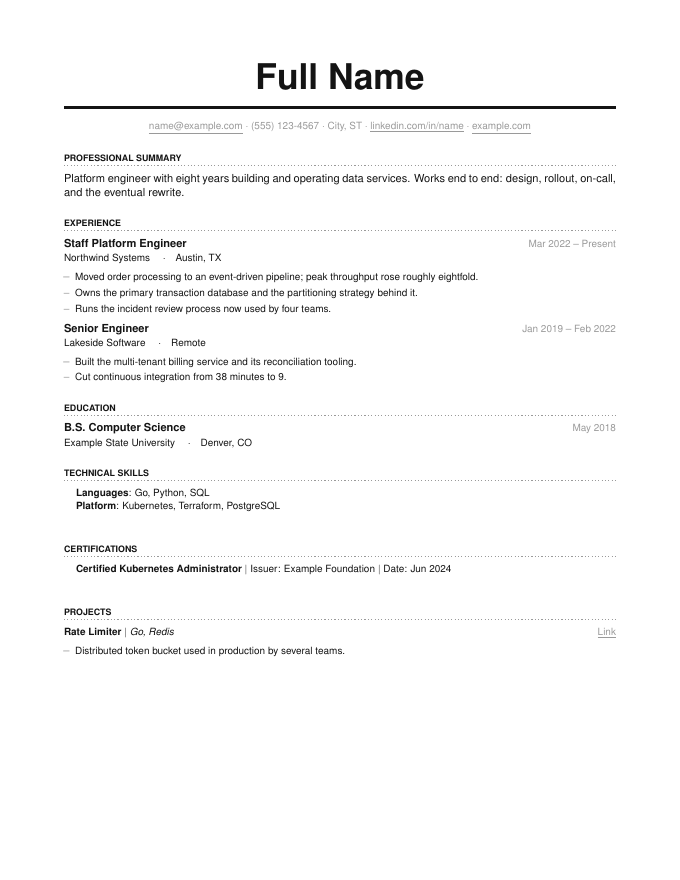
Gallery
A very large name over one heavy rule, then dotted-leader headings and generous space. Nearly monochrome by design.
Use Gallery in the builder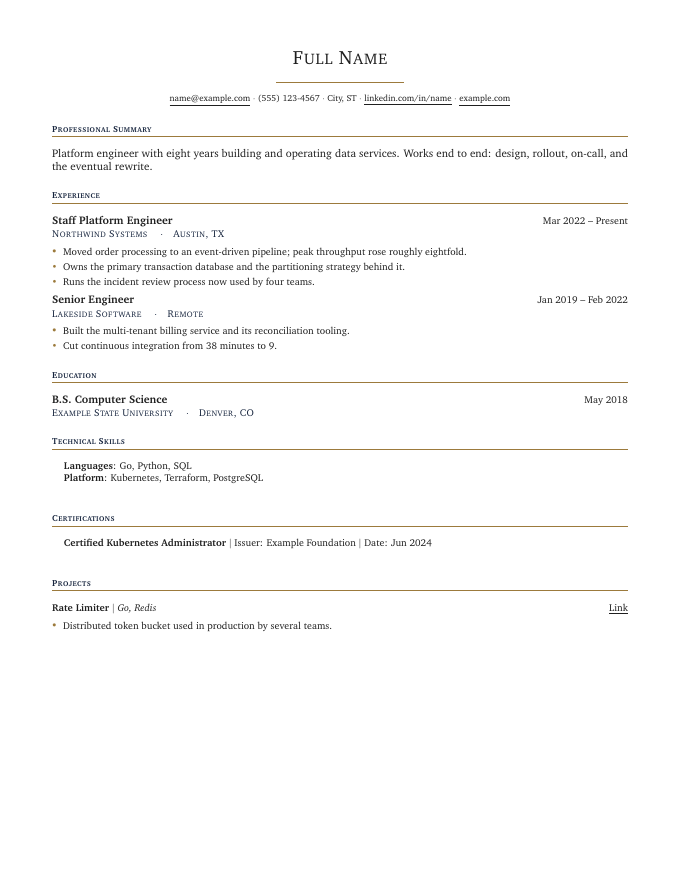
Marque
Centred small-caps name over a short gilt rule, with navy headings on hairlines. Formal without being stiff.
Use Marque in the builder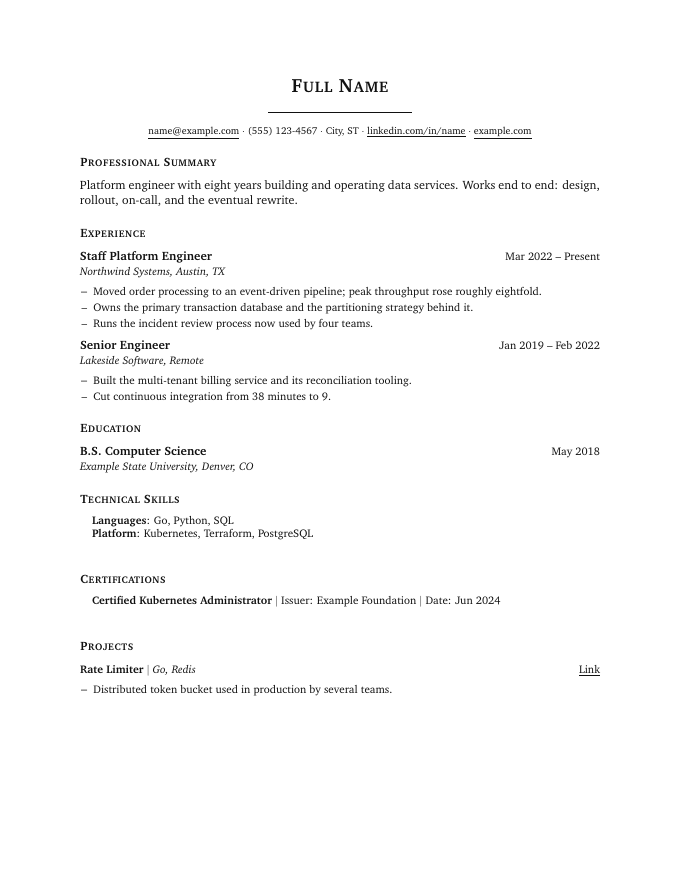
Folio
Charter serif at one-inch margins with small-caps headings and no colour. The most conservative layout in the set.
Use Folio in the builder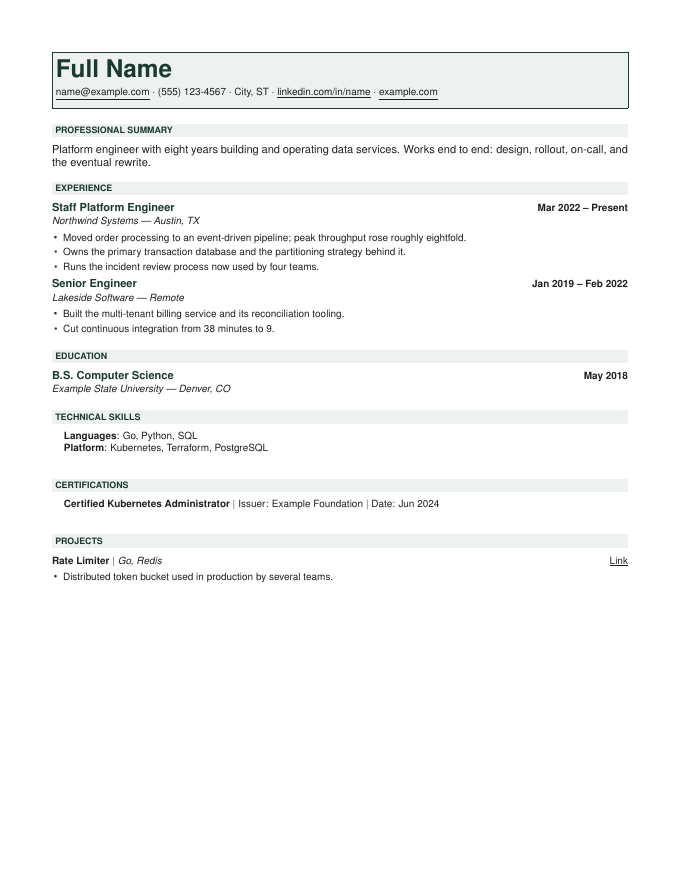
Form
Framed identity block over a pale green field, with headings set on shaded bands. Orderly and document-like.
Use Form in the builder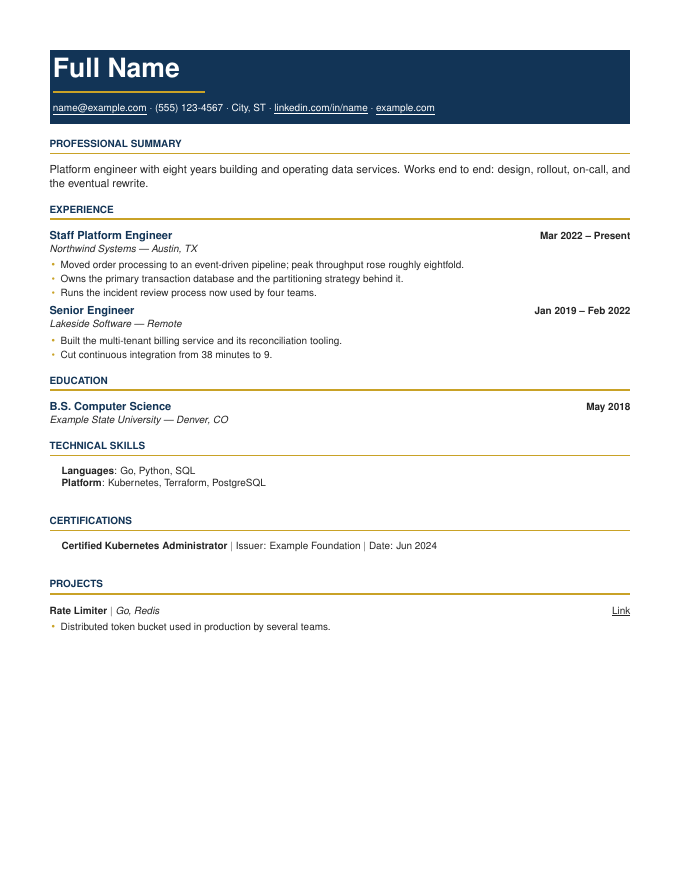
Beacon
Deep blue identity block cut by a gold rule, with the same gold carried under every heading.
Use Beacon in the builder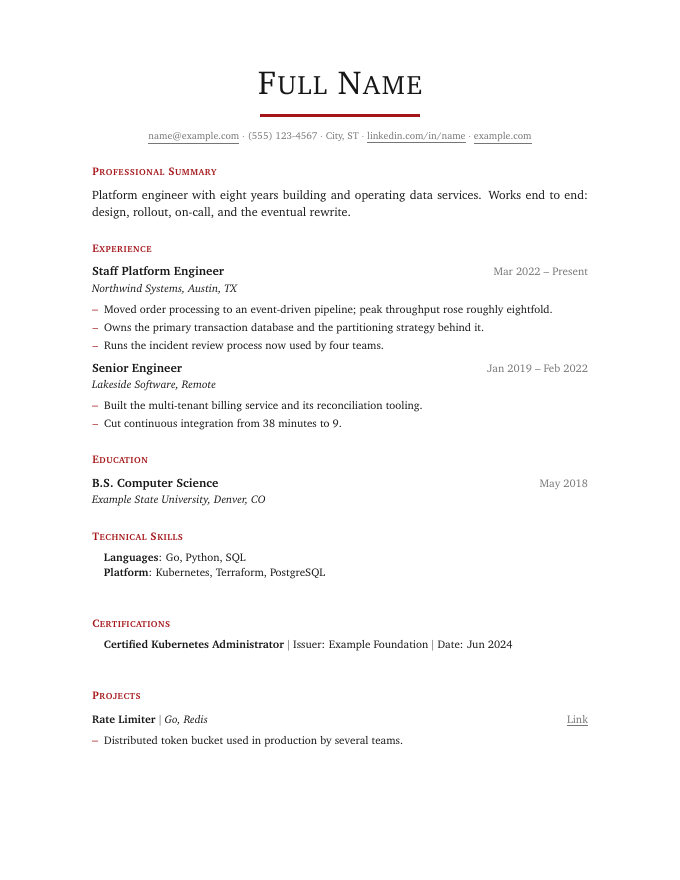
Quote
Large small-caps name over a short red rule, set in Charter with wide margins and open leading.
Use Quote in the builder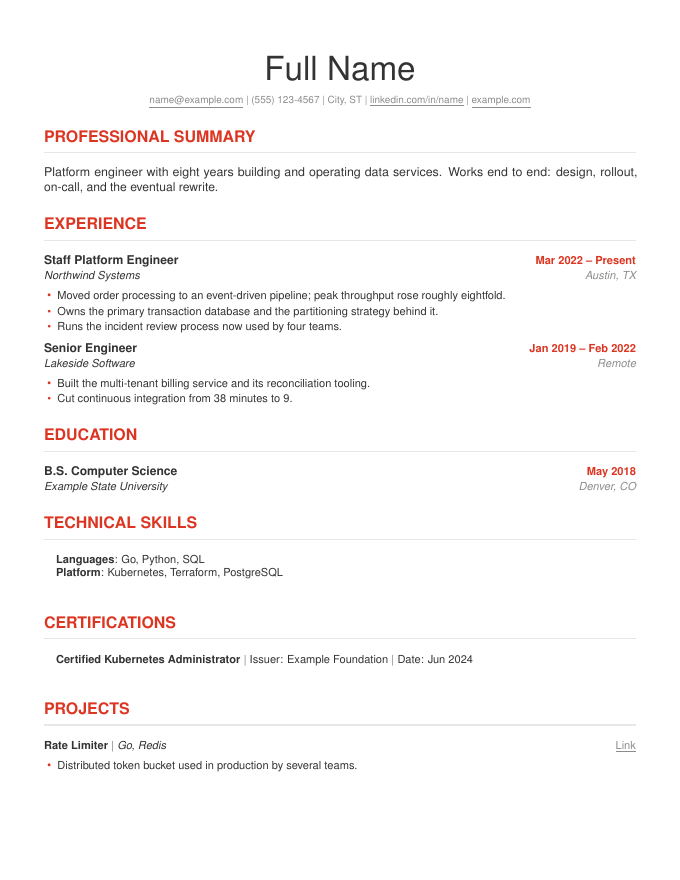
Crest
Large centred name over a muted contact line, with red uppercase headings on pale dividers and edge-aligned dates.
Use Crest in the builder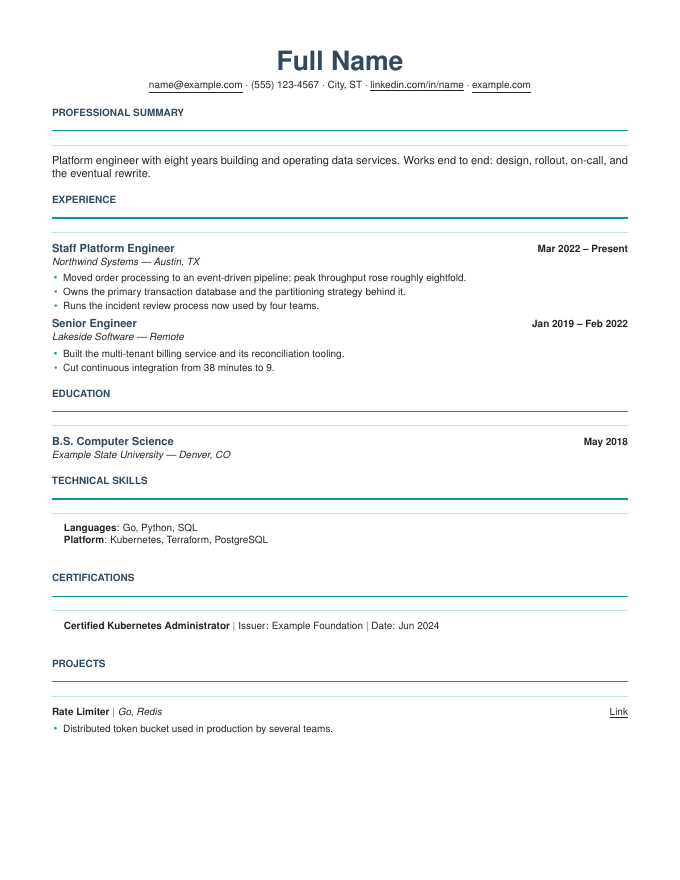
Vital
Steel-blue name over a teal subtitle, with paired rules under every heading. Clinical and calm.
Use Vital in the builder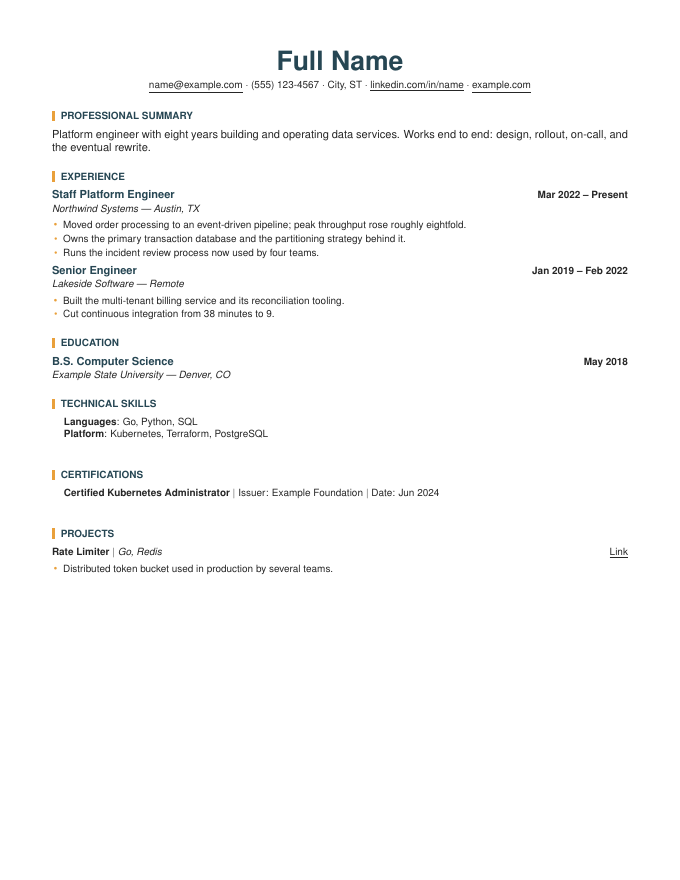
Civic
Slate headings marked by a short amber bar in the left margin, with open spacing between sections.
Use Civic in the builder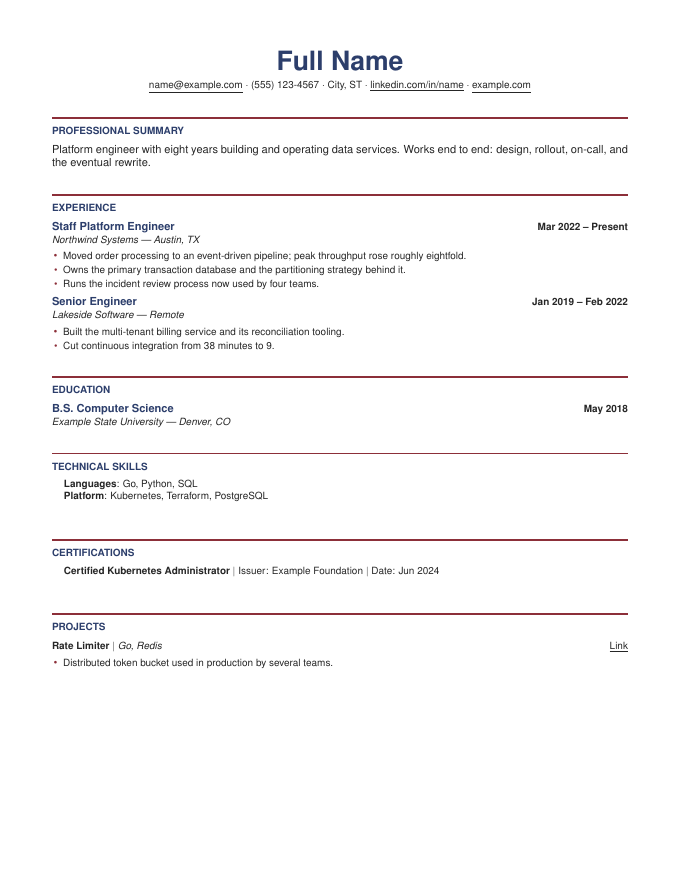
Keyline
Indigo headings sitting under a full-width maroon rule, so each section opens with a clear break.
Use Keyline in the builder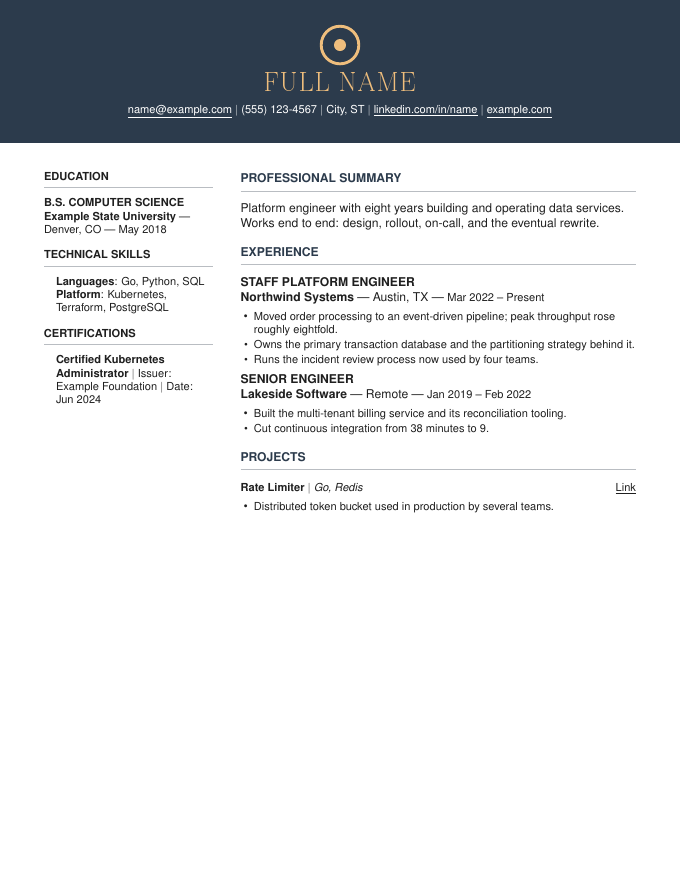
Emblem
Full-bleed navy header band with a gold monogram medallion and a letterspaced serif name, over a ruled two-column body. Skills and education sit in the rail.
Use Emblem in the builder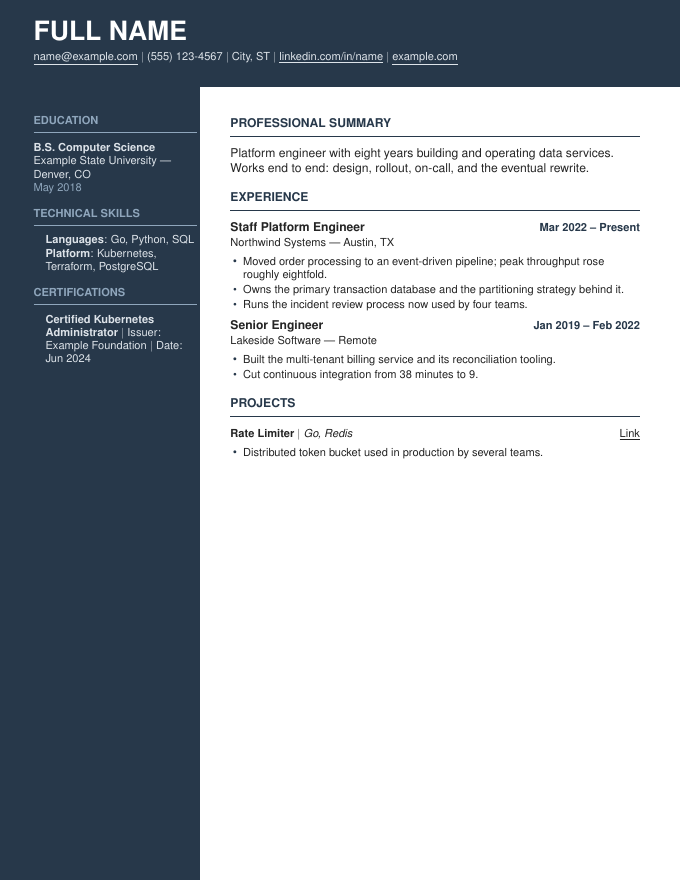
Spine
Deep navy band running the full height of every page, carrying skills and education in reversed-out type beside a white column of experience.
Use Spine in the builder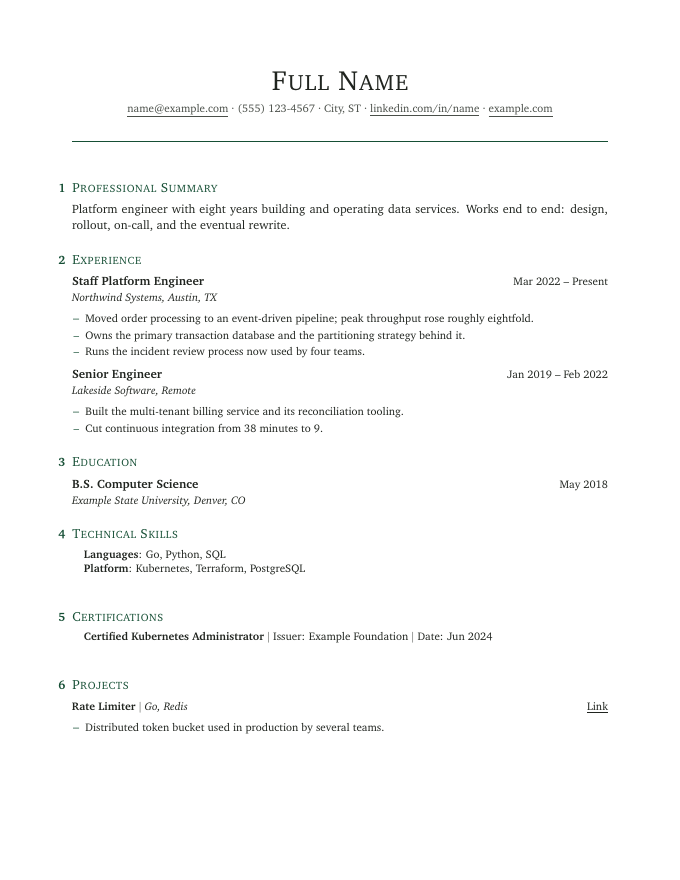
Atlas
Numbered sections with the numeral hanging in the margin, set in Charter at wide margins with no rules anywhere. Quiet and highly legible.
Use Atlas in the builder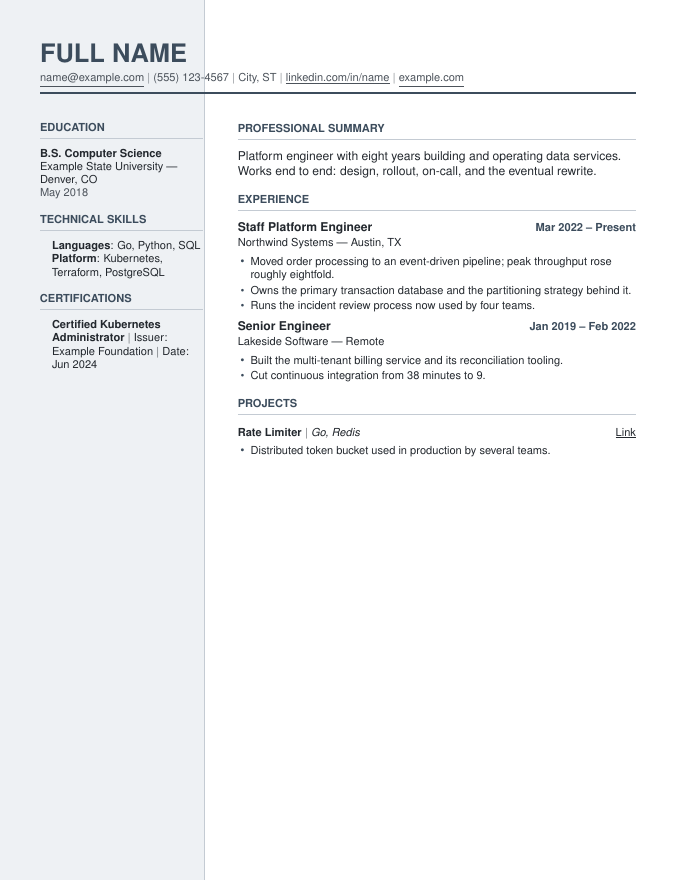
Slate
Skills and education in a pale stone rail beside the main column, with slate headings and a keyline down the gutter. Prints as light as a plain page.
Use Slate in the builder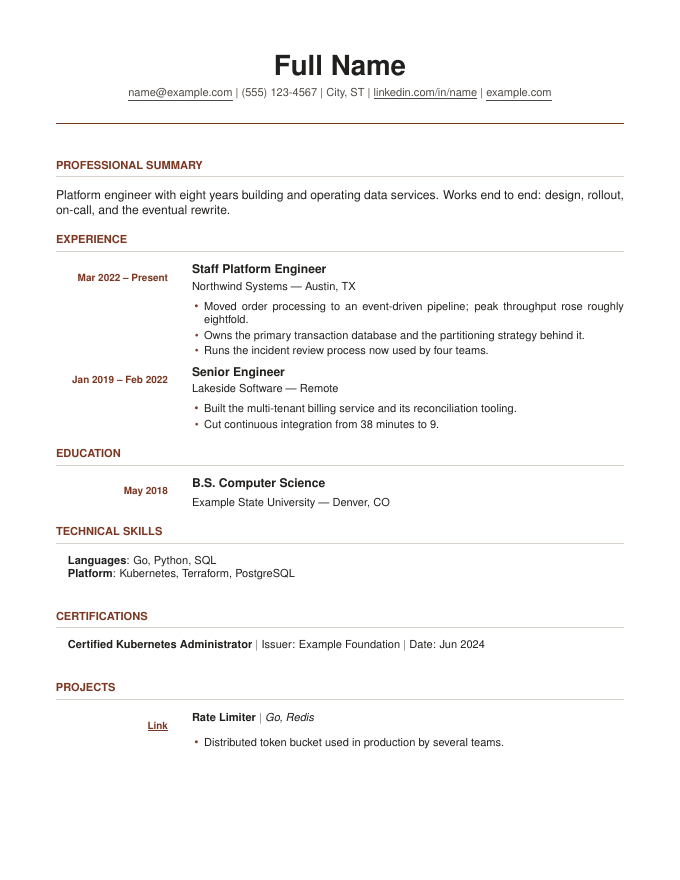
Span
Dates hang in their own left gutter so the chronology lines up down the page, with roles and bullets set beside them. Scannable before it is read.
Use Span in the builder
Capabilities and limits
Every layout, one shared document contract
The layout changes the typesetting. The resume content stays the same in every layout; rail layouts place some sections in a side column beside the main one.
Available today
- Classic uses 11pt Computer Modern type, black section rules, and is the default layout.
- Modern adds a deep-blue section accent while preserving the same single-column structure.
- Compact uses 10pt type and a wider text block to fit roughly 15% more content on a page.
- Executive uses Palatino type with slightly more relaxed line spacing.
- Classic is the fallback when a saved template identifier is missing or no longer recognized.
Limits to know
- PDF compilation succeeds only when an available compiler completes the request.
- The on-page previews are simplified layout diagrams and can differ from the compiled document.
- Every layout renders the same resume content; changing the layout does not rewrite it.
- No layout can ensure how a particular employer or parsing system will process a file.
Choose the layout after the content is ready
Build from one reviewed source, compare the shipped layouts, and compile the version you intend to send.