

Resume builder
Build role-specific resumes without losing your source of truth
Create or import your experience once, edit it as a form or in Markdown, and turn it into a typeset PDF for each application.
Contact Information
Link icons are detected automatically. Use Website for GitLab, Codeberg, Bitbucket, a portfolio, or another profile.
What it helps you do
- 01
Keep one reliable source
Keep your experience in one resume and make a copy when a role needs a different emphasis.
- 02
Edit in the format you prefer
Work in a structured form or in Markdown. Both edit the same resume.
- 03
Download a clean PDF
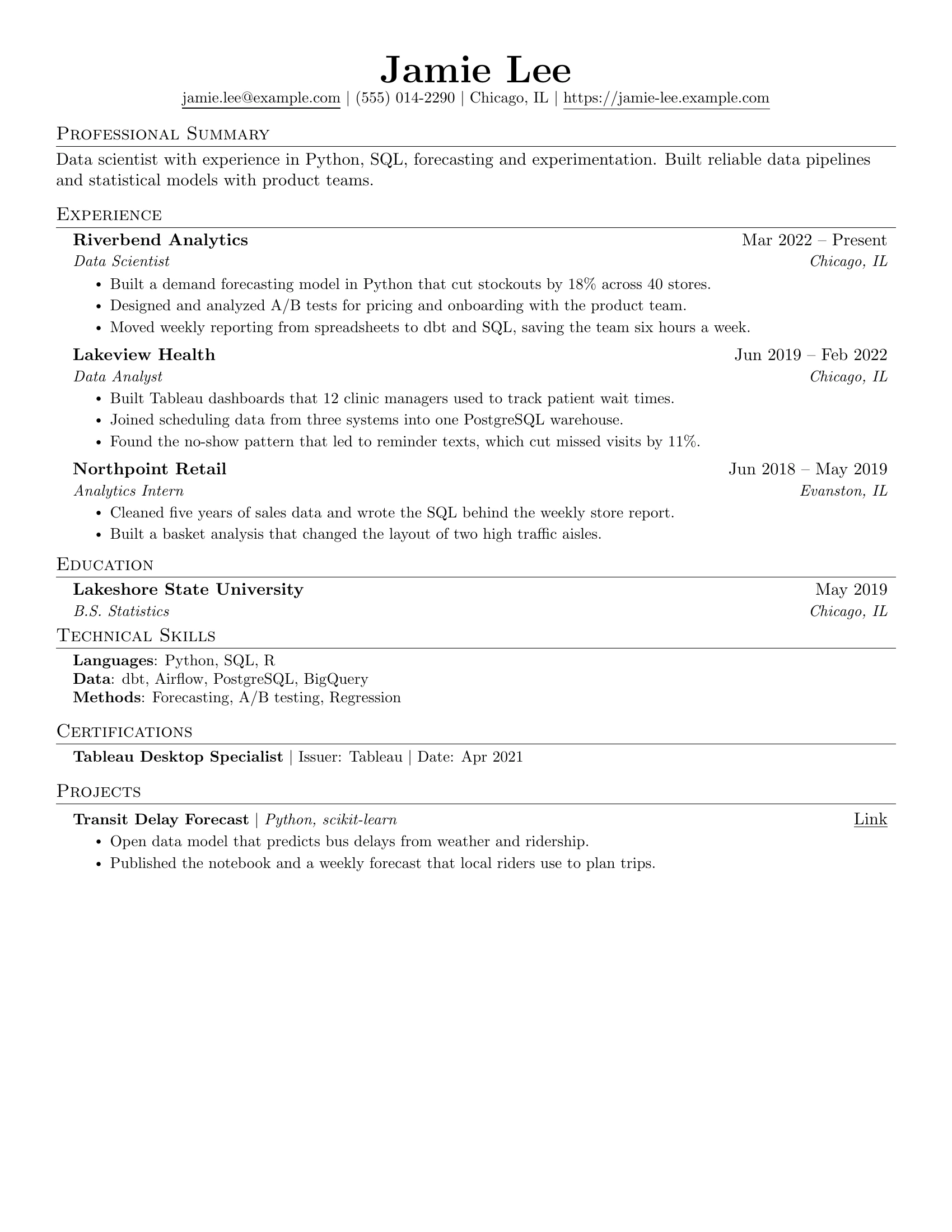
Choose from 30 layouts and download a typeset PDF for the application.
How it works
Tailoring without resume sprawl
Start from a resume you trust, copy it when a role needs a different angle, and review every imported or edited line before you send it.
- 1Import a resume you already have, or start one from scratch.
- 2Compare it with a job and adjust the evidence and emphasis.
- 3Pick a layout, download the PDF, and attach that resume to the application.
Capabilities and limits
What the editor does today
What you can do now, and the limits worth knowing before you start.
Available today
- Edit structured resume content or Markdown in the same editor.
- Import a PDF, DOCX, TXT, or Markdown file up to 10 MB, then review what came in.
- Copy a resume for a specific role and keep the original as your source.
- Choose from 30 layouts and download a typeset PDF.
- Undo and redo your changes during the current editing session.
Limits to know
- Imports from complex PDFs can lose headings or formatting, so check the result before you use it.
- Undo and redo cover the current editing session only.
- A copied resume is a separate document. Choose it yourself when you attach a resume to an application.
- When the PDF service is busy a download can fail. Try again in a moment.
Build the resume you can stand behind
Start with your real experience, review every import, and choose the layout that fits the application.